EPICVR Support Centre.
From unboxing to launching the application.
Choose what you have from us. Go through the instructions step by step. For selected steps you will find a supporting video.
Prefer to talk? +48 663 575 492 · office@epicvr.pl · Report a problem

In the video: Meta Quest 3
What do you have from EPICVR?
Click your case — we will take you to the right instructions.
Meta Quest step by step
Short videos for the most common tasks, recorded in Polish. Click to watch.
 Headset parts and buttonsIn the video: Meta Quest 3
 Setting up your spaceIn the video: Meta Quest 3
 Launching the applicationIn the video: view from the headset
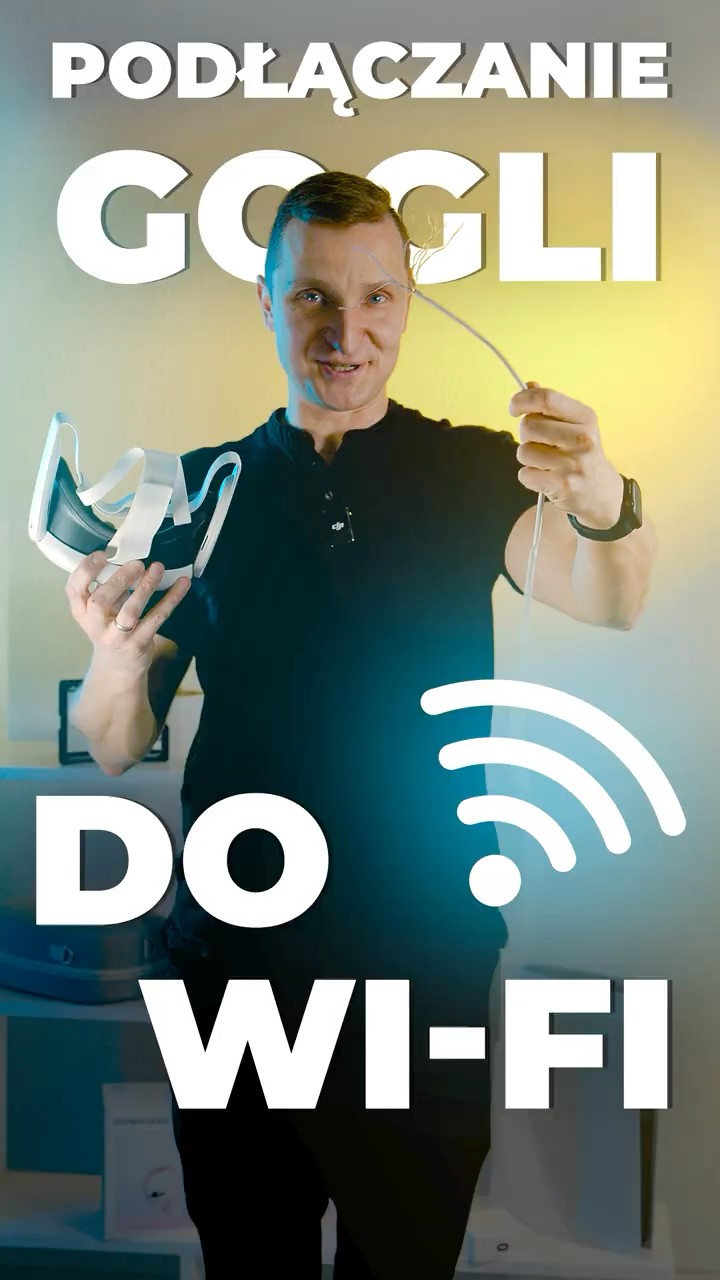 Connecting the headset to Wi-FiIn the video: view from the headset
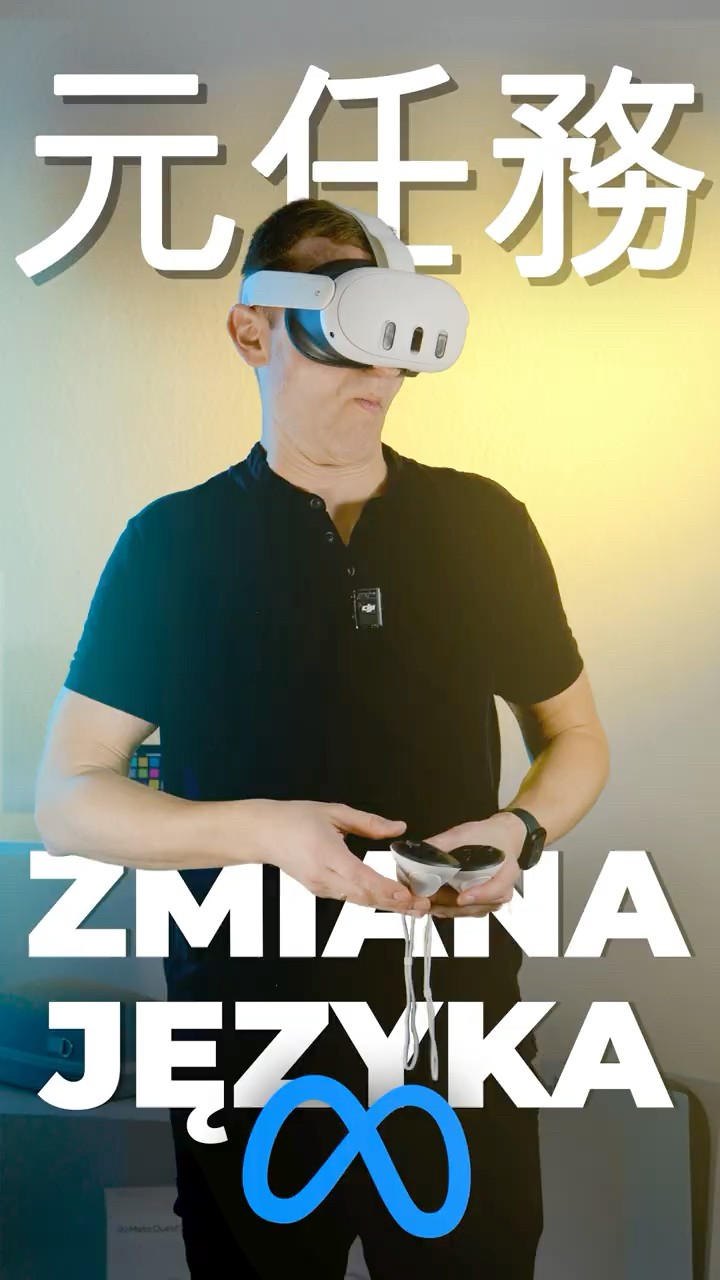 Changing the languageIn the video: Meta Quest 3
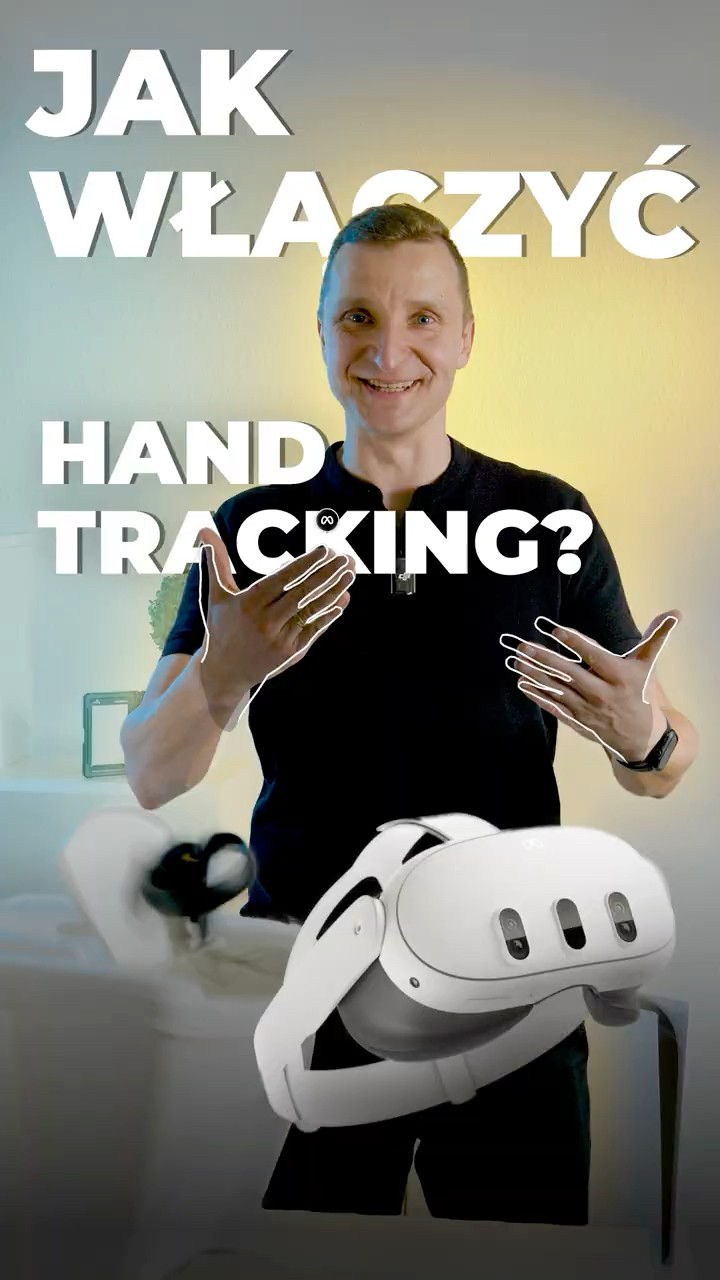 Hand controlIn the video: Meta Quest 3
 Replacing the controller batteriesIn the video: Meta Quest 3 controllers
 Hygiene and maintenanceIn the video: Meta Quest 3
 Updating the headsetIn the video: Meta Quest 3
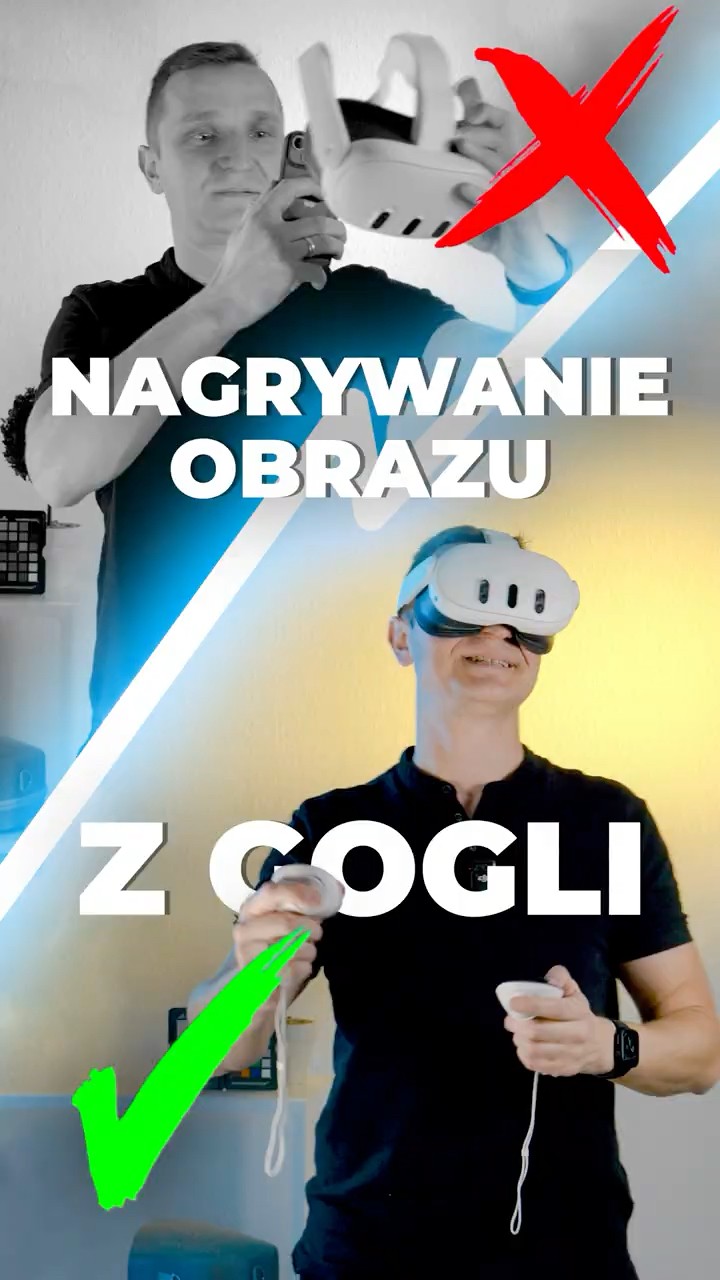 Recording video from the headsetIn the video: Meta Quest 3
 Downloading recordings from the headsetIn the video: view from the headset
 Creating a Meta accountIn the video: Meta Quest 3
 TroubleshootingIn the video: Meta Quest 3
A headset from EPICVR — from unboxing to the application
The headset is configured and the application installed. You can go through the instructions without the videos — a video is a help for selected steps.
Unpack the set. Take out and check the contents of the package: a Meta Quest 3 or Meta Quest 3S headset (as ordered), two controllers — left and right — a charger and a charging cable. Sets shipped from 9 November 2026 also include short instructions, a catalogue of other EPICVR programs and a cleaning cloth.
Is something missing? Report it →Prepare the space. Choose a place where there is no furniture, walls or other people within arm’s reach.
Switch the headset on. Hold the power button (left side, below the cameras) for 3–6 s until the Meta logo appears. If the headset does not start, connect it to charge using the charger and cable from the set.
 VIDEOHeadset parts and buttonsIn the video: Meta Quest 3
Put the headset on and adjust it. Slide the rear sliders closer together and adjust the top strap so that the weight rests on the top of your head.
Set the image focus. Move the headset slightly up or down until the image is sharp. Then adjust the lens spacing to your eyes.
Quest 3: you change the lens spacing with the wheel on the underside of the headset. Quest 3S: the lenses have three positions — move them with your fingers.
Wake the controllers. Pick them up and press any button.
Check the battery level. Briefly press the Meta button on the right controller to open the menu. Open the quick settings panel next to the clock or battery icon and check the charge level. If the headset signals a low battery, charge it before you start using the application.
Set the boundary if the headset asks you to. Follow the on-screen instructions. The boundary shows the safe area in which you move.
VIDEOSetting up your spaceIn the video: Meta Quest 3Connect the headset to the internet if the configuration or application requires it. Open Quick Settings → Wi-Fi, choose the network and enter the password. For application access and activation, follow the instructions EPICVR provided for your order.
Problem with Wi-Fi →Launch your application. Open the Library and choose the application with the name and icon matching your order.
VIDEOLaunching the applicationIn the video: view from the headsetI can’t see my application →
Is the headset asking for a new account or to be set up again? Contact us before making changes.
The application on your headset
Prepare the information from your order. Find the message from EPICVR with the instructions for accessing the application you purchased.
Get access and install the application. Connect the headset to the internet and follow the steps described in that message. Connecting to Wi-Fi alone does not replace granting access to or installing the application.
VIDEOConnecting the headset to Wi-FiIn the video: view from the headsetLaunch the application. After installation, find it in the Library using the name and icon given by EPICVR.
I can’t see my application →Activate it if such a message appears. If you received a licence key, use it as instructed. If the message, key or access is missing, report the problem using the form.
Problem with activation →
Playing a 360 video
Download the file. In the headset’s browser, open the link from us and save the video (usually in the Downloads folder).
Open it in DeoVR. In the DeoVR application go to “Local files” and choose the downloaded video.
Set the picture. Format 360, projection Lat-Long, type Mono. You close the video with the Meta button on the right controller.
Most common problems
Start with the four most common ones. The other topics are below.
I can’t see my application
Open the Library and check the list of applications, looking for the name and icon given by EPICVR. If you bought a licence only for your own headset, check that you followed the access and installation instructions from the message about your order. If the application is still missing, report the problem and give its name and the headset model.
Report a problem →The headset won’t connect to Wi-Fi
Check the network name and the password you entered. On a company or school network, access may require the administrator’s help — ask them to connect the headset and check internet access. If your organisation’s rules allow it, you can also check the connection through a phone hotspot. Such a test helps establish whether the problem is with the network.
Video: connecting to Wi-Fi →The image is blurry
Move the headset up or down and adjust the lens spacing (Quest 3: wheel, Quest 3S: three positions). Wipe the lenses with a dry microfibre cloth.
Step: image focus →Licence activation doesn’t work
Check that the headset has internet access. If the application asks for a key, compare it with the message you received and make sure you have not added accidental spaces at the start or end. If the problem remains, report the application name and the exact error message. Do not type the full key in the description or show it in an attached photo.
Report a problem →HARDWARE AND CONTROLLERS
The headset doesn’t see the controllers
First check the batteries in the controllers.
Still not working? Report the problem and give the headset model.
VIDEOReplacing the controller batteriesIn the video: Meta Quest 3 controllersReport a problem →How to clean the headset and lenses?
Lenses only with a dry microfibre cloth, no liquids. Do not leave the headset with its lenses facing a window — sunlight can damage the screen.
Wipe the casing and controllers with alcohol-free wipes.
VIDEOHygiene and maintenanceIn the video: Meta Quest 3What to press and where?
The buttons and parts of the headset are shown in the video at the “Switch the headset on” step.
Go to the step →The headset needs an update
Connect the headset to Wi-Fi and a charger, then start the update in the settings.
VIDEOUpdating the headsetIn the video: Meta Quest 3HEADSET SETTINGS
Changing the language
Open the headset Settings and find the Language option; it may be in the Device section. Choose a language from the available options. The language of an EPICVR application may be set separately in its menu.
VIDEOChanging the languageIn the video: Meta Quest 3Hand control (hand tracking)
In the headset settings find Movement tracking and switch hand tracking on. If automatic switching is on, put the controllers down and show your hands in front of the headset. Hand control works in applications that support it; in others, use the controllers.
VIDEOHand controlIn the video: Meta Quest 3Boundary and space
The description and video are at the “Set the boundary” step.
Go to the step →Viewing the headset image on a laptop
Connect the laptop and the headset to the same Wi-Fi network. On the laptop open Meta’s casting page (oculus.com/casting) and log in to the account used in the headset. In the headset open Camera, choose Cast, then Computer, and confirm the start.
If you do not have access to the account used in the EPICVR set, contact us before changing the account. On a company or school network, ask the administrator to check whether casting is possible.
Recording video from the headset
Open the headset menu and the Camera application. Choose video recording, and when you finish, stop the recording and check the saved material. Recording saves a video; the view on a laptop is for watching the image live.
VIDEORecording video from the headsetIn the video: Meta Quest 3VIDEODownloading recordings from the headsetIn the video: view from the headsetMETA ACCOUNT AND OTHER
The headset asks for a new account or to be set up again
If you received a prepared set from EPICVR, contact us before making changes.
Report a problem →Creating a Meta account (your own headset)
If you are setting up your own new headset, follow the instructions of Meta’s official setup process. For access to an EPICVR application, also follow the message about your order.
VIDEOCreating a Meta accountIn the video: Meta Quest 3Other technical problems
The most common situations in one video. Still not working — report the problem below.
VIDEOTroubleshootingIn the video: Meta Quest 3Didn’t find an answer?
Describe the problem. The headset model, the application name and the stage at which you got stuck will let us help faster.
+48 663 575 492office@epicvr.plQuestions about creating VR applications, 360 videos and AR? See the FAQ below ↓
FAQ — other topics
Virtual Reality applications
1. What is VR?
VR stands for Virtual Reality. In short, it is a computer-generated three-dimensional space that gives the effect of experiencing a virtual world as if it were real. Eighty percent of the VR applications appearing on the market not only extend human capabilities but, above all, let people experience situations and events they could not experience in the real world. For example, with a virtual reality application we can climb Mount Everest and a moment later dive with sharks at the bottom of the ocean.
2. Are VR headsets widely available?
Yes. VR headsets can be bought in electronics stores and online shops. Currently the most popular are standalone headsets, e.g. Meta Quest 3 and Meta Quest 3S. They have a built-in processor, screens and battery, so they work with no computer and no cables. The second type is headsets connected to a computer, in which the image is generated by the computer’s graphics card. Standalone headsets such as Meta Quest can also be connected to a computer. Older smartphone-based solutions, e.g. Samsung Gear VR or Google Daydream, are no longer developed.
3. Is nausea in VR a common phenomenon?
For some people VR can cause discomfort, e.g. nausea, dizziness or eye strain. This most often happens when the image moves while the body stays in place. The risk is reduced by a well-fitted headset, a properly focused image, shorter first sessions and applications designed with user comfort in mind. If you feel unwell, take the headset off and have a break.
4. What possibilities does VR offer?
VR is used more and more often in many fields of science and business. Examples include 360 videos in medicine, VR in treatment and therapy, virtual reality in the military, VR training, and VR applications and 360 videos in marketing. Above all, VR offers unlimited possibilities for engaging the viewer’s attention in the message addressed to them.
A huge advantage of VR technology is that we can do practically anything in it. We are limited only by the imagination of the application’s creators.
5. How much does it cost to create a VR application?
The cost of creating a simple VR application by our agency can vary widely. In fact it is extremely hard to give any price range without getting to know the project specification in detail. Every VR application is different and follows its own individual rules. Usually, anyone who asks us about creating a custom VR application gets the following questions from us:– Which VR headsets will the VR application be intended for?– What will the exact scenario of the VR application be? In short, we need to know what the user will see after putting on the VR headset.– Exactly which interactions should be available to the user? We need to know what tasks the user of the VR application will have to perform.– What is the deadline for the VR application?– For what purposes is the VR application being created and what are the possible ways of distributing it?– What level of quality and detail should the VR application have?Prices of VR applications created by our agency start from €1,750 net. Every time we quote the production of a VR application, we need to know the details of the project and the client’s expectations. The final quote depends above all on how advanced and complex the project is.
6. Why is a VR campaign better than traditional advertising?
The problem with traditional advertising is that consumer engagement with its content falls year after year. VR is a newly created medium, but its great potential is already visible. Traditional forms of advertising are costly and less and less often give satisfactory results. VR makes it possible to engage all the viewer’s senses in the message addressed to them and make them more willing to reach for the advertised product.
People who watch our VR films or use our VR applications fully identify with the characters played in the VR world. This is a completely new level of engagement for our target group.
7. What should an effective VR campaign be like?
An effective VR campaign must above all be well thought out and addressed to the right target group. You can find out more in this article (in Polish): Effective VR campaigns
8. Does VR increase conversion?
VR is an effective way to increase conversion. We have a range of tools that can measure viewers’ behaviour while they watch 360 videos or use VR applications. We know that VR works and brings additional revenue to the companies that use it.
9. How long does it take to create a complete, working VR application?
Depending on the complexity of the project and the number of people working on a given VR application, delivery can take on average from 15 business days to 6 months.
10. Which devices will my VR application run on?
Our ready-made applications run on standalone Meta Quest 3 and Meta Quest 3S headsets. For a custom application we agree the target platform before work begins — the application’s capabilities and optimisation depend on the chosen headset.
11. What is VR application optimisation and why do I need it?
Optimisation of a VR application is carried out at many stages of work on our software. With proper optimisation the company ensures that the application works correctly on a given device, allowing it to run smoothly and efficiently while keeping the highest possible resolution.
12. How do VR applications differ from 360 videos?
In 360 videos we watch an image recorded with a 360 camera. We have no way of interacting much with the space we are watching. A VR application is an entirely virtual environment, which gives us the possibility of exploring the digital environment in depth.
360 videos
1. What are 360 videos?
360 videos are recordings in which we can watch the action from a 360-degree perspective. Traditional 2D films are always watched on a smaller or larger section of a screen. We are limited by the size of the screen, also called the size of the film frame. In 360 videos the image completely fills our whole field of view. 360 videos can also be watched on a computer, tablet or phone screen, changing the direction of view with a mouse or a finger. The most immersive experience comes with a VR headset — then we have a very convincing impression of being in the very middle of the action and being its main character.
We have had the chance to test our VR productions on a sizeable research group. Several hundred people have gone through our VR presentations. We collected detailed data on their perception and reactions to 360 videos and examined their level of engagement. On this basis we were able to draw several interesting conclusions. More information at the link (in Polish): VR perception.
2. Why create 360 videos?
360 videos are above all a great way to present your brand. Creating 360 videos is an increasingly popular part of marketing and the advertising industry. Customers who experience high-quality 360 videos or VR applications far more often decide to buy the product advertised in them. 360 videos are not only business but, above all, a way of making life easier in many areas of the modern world.
3. How can I use 360 videos in business?
360 videos in business are becoming more and more popular. Creators of advertising campaigns have found many times that a 360 video is an effective way of engaging the viewer’s attention. With traditional advertising, viewers have learned to ignore the adverts that reach them. In 360 videos the viewer, completely cut off from other stimuli, focuses fully on the message addressed to them. Thanks to this we can create a much more effective advertising campaign.
360 videos in business also mean promotion. By making a 360 video that shows our plant or factory, we can give our foreign partners the possibility of instant “virtual teleportation” to our premises. 360 videos are also used more and more often in tourism. Thanks to them consumers can see, fully realistically, the places they plan to visit.
4. How are 360 videos made?
360 videos are made using so-called spherical cameras. Spherical cameras are either multi-lens camera systems or several cameras combined into one rig. VR cameras are able to record the whole visible space surrounding the camera. Spherical cameras, also called 360 cameras, are constantly evolving. Better and better solutions are appearing, heading towards the point where in a few years working with 360 cameras will not differ from the way we work with traditional 2D cameras today. Our VR agency has several types of VR cameras. Cameras on the market already offer recording of VR films in 8K resolution for the whole visible image space.
5. How much does it cost to make a 360 video?
The final quote for making a 360 video depends on many factors. A very important one is the film’s script. Only after analysing it are we able to give an approximate price range.
The production of 360 videos in our VR agency most often starts from €1,750 net. An important point is that by using 360 videos in advertising we in fact significantly lower the cost of reaching the final consumer who will choose our product. TV broadcasting costs on average from several hundred thousand to several million zlotys a month in Poland. Different target groups sit in front of the TV, so the chances that our advert reaches the right one keep falling. 360 videos, because they are distributed mainly online and at various kinds of events, reach specific users directly. So when we create a VR campaign using 360 videos we are not shooting blind but letting our advert reach a specific user.
Augmented Reality applications
1. What are AR applications?
They are applications that let us extend our reality with virtual elements. With a headset on or on a smartphone screen, we see virtual elements scattered around our real space. Thanks to them we can present visualisations of our ideas, provide entertainment and engage our target group. They are a very fast-developing part of the ecosystem of virtual experiences.
2. What possibilities does AR offer?
Augmented reality and virtual reality applications are in demand in the fields of:– medicine– education– engineering– public relations– entertainment
3. How can I use AR applications in business?
AR applications are often used in marketing. Thanks to the wide availability of applications on smartphones and other devices, we can reach practically everyone with our product. A great asset of AR is also gamification. Thanks to it, our target users not only get to interact with our product but also have great fun doing so. This creates an ideal foundation for the image not only of the product itself but of the whole company.
4. Which devices will my AR application run on?
We currently deliver our applications for devices with Android and iOS. Every user with access to a smartphone running one of these systems will be able to download our application.
5. How much does it cost to create an AR application?
The cost of creating an AR application can vary widely. The quote depends on the target level of detail. Every AR application is different. Its cost depends mainly on the following factors:– Which device will the AR application be intended for?– What will the exact scenario of the AR application be?– Exactly which interactions should be available to the user? We need to know what tasks the user of the application will have to perform.– What is the deadline for the AR application?– For what purposes is the AR application being created and what are the possible ways of distributing it?– What level of quality and detail should the AR application have?
Prices of VR applications created by our agency start from €1,750 net. Every time we quote the production of a VR application, we need to know the details of the project and the client’s expectations. The final quote depends above all on how advanced and complex the project is.
General topics
1. How to choose the right contractor for a VR/AR/MR application?
VR solutions are most often tailor-made for a specific client. An application is the result of several or a dozen or so weeks of work by a whole team. Of course there are ready-made, off-the-shelf VR solutions on the market. However, they rarely meet specific expectations. The price of adapting them to a client’s needs is practically the same as the price of creating a new application from scratch. What should you look out for so as not to get caught out? How do you find a sensible VR application contractor?
2. How to make sure that the contractor we intend to sign a contract with is up to the task?
– Check experience. Find out how long the company has been on the market and who it has worked for.– Get to know the detailed portfolio. Do you like the projects the company has delivered?– Check the company’s resources. Ask about the team and the number of permanent employees. VR companies sometimes use freelancers, and there is nothing strange about that. However, if a company employs nobody permanently and has only freelancers — this may mean stress later over the application’s delivery time. Freelancers sometimes have too many projects at once and simply cannot cope.– Ask for references from satisfied clients.– Ask the company to prepare a short concept that illustrates their vision for your project.– If you are sure this is the contractor you want to work with — ask for a sample contract.
3. Purchasing the service. Direct award, request for quotation or tender?
All these purchasing options are good, as long as they comply with your company’s policy. Depending on the complexity of the work — which translates into the budget — the right form of choosing a contractor should be selected in line with the company’s rules. To estimate the budget of a VR solution correctly, before launching a purchasing procedure it is worth researching the market and estimating the value of the order. For this purpose we send a short enquiry to various companies asking them to estimate the value of the project. These figures will later help us set the budget we need to secure for the project. If we have the option, the criteria for choosing a contractor should also include:– experience– the number and quality of completed projects on a similar subject– the standing and size of the clients the company has worked with so far
Choosing a contractor that meets all the above criteria well should guarantee calm and good cooperation.
4. How to prepare well for signing the contract?
It is worth paying attention not only to the final delivery date of the product but also to the client’s regular insight into current progress on the application. Checking the work as it goes makes it possible to detect any ambiguities at an early stage and avoid unnecessary concept changes. It is equally important to read the document that sets out the clear framework of the application agreed between the contractor and the client.
5. Which contract provisions should you pay attention to?
The final quote for making a 360 video depends on many factors. A very important one is the film’s script. Only after analysing it are we able to give an approximate price range.
The production of 360 videos in our VR agency most often starts from €1,750 net. An important point is that by using 360 videos in advertising we in fact significantly lower the cost of reaching the final consumer who will choose our product. TV broadcasting costs on average from several hundred thousand to several million zlotys a month in Poland. Different target groups sit in front of the TV, so the chances that our advert reaches the right one keep falling. 360 videos, because they are distributed mainly online and at various kinds of events, reach specific users directly. So when we create a VR campaign using 360 videos we are not shooting blind but letting our advert reach a specific user.
6. What are the most important things a contract for VR solutions should contain?
– The most detailed possible description of the project. The better and more precisely we describe how the solution is to work, the less stress the acceptance stage will cost us.– A detailed specification of the necessary additional services, if any are to be provided. It is worth agreeing with the Contractor whether the contract really lists all costs and that no additional expenses will be needed to keep the solution working correctly.– The frequency of communication during the project. The possibility of acceptance after every stage of the project. The worst thing in an IT project is seeing an unsatisfactory application at the acceptance stage. We can easily protect ourselves against this by asking the contractor to set deadlines for the individual stages of the project.
7. The project schedule is an equally important element
In our practice it is an appendix to the contract. It is worth adopting realistic deadlines in it. Let’s assume we have 3 months to deliver a VR application. In that case the schedule should include all the most important stages of the project.
Sample project schedule:
a) Preparatory stage
We often run this stage in parallel with the graphics stage. The programmers are already preparing the scripts and mechanisms that they will later connect to the 3D models. The programming stage usually takes as long as or longer than the graphics work. This stage also includes hours of testing the application. It is estimated that thorough testing of an application takes half the time spent on programming. This is extremely important. We always attach great importance to our products working fully and giving users satisfaction.
b) Graphics stage
Practically everything the user sees in a VR application is 3D graphics. Someone, of course, has to create these graphics. Our team of graphic artists handles this stage. Occasionally we buy individual 3D models, but because of later potential problems with adapting them or optimising performance — we prefer to create all objects ourselves, from scratch.
c) Programming stage
We often run this stage in parallel with the graphics stage. The programmers are already preparing the scripts and mechanisms that they will later connect to the 3D models. The programming stage usually takes as long as or longer than the graphics work. This stage also includes hours of testing the application. It is estimated that thorough testing of an application takes half the time spent on programming. This is extremely important. We always attach great importance to our products working fully and giving users satisfaction.
d) Finalisation
At this stage we hand over the finished, working and fully tested VR application to the client or place it in the store. In the case of advanced VR headsets, where the application runs on hardware supplied by us — we train the client in operating and configuring the hardware and in how the application itself works.
e) Service and warranty support
Handing over the finished application to the client is not the end of the work for us. Most of our solutions (depending on the contract between us) are covered by service support. This means that if any errors or problems appear in how the application works — we resolve them as quickly as possible.
Remember to check progress after every stage. Thanks to this we will be sure that everything is going in line with our vision and scenario. Programmers are people too. Sometimes we have to change the direction of the application’s development slightly, because during testing it turns out that a different mechanism will be easier for the user. We always consult such changes with the client.
8. Why should you choose us to create your future application?
We regularly deliver working, tested and stable applications to our clients. We look after our client relationships and, thanks to our experience, have worked for years with well-known brands that have entrusted us with their projects many times.
We have been creating VR solutions since 2013. In that time we have met an enormous number of clients. We have seen a lot, although our clients can still surprise us in a good way!
9. How to convince your superiors? Arguments for using VR.
It is a new technology that is real fun from the first seconds of contact. More importantly, it is very easy and intuitive to use. In the world of virtual reality we move practically the same way as in the real world. More and more companies are moving their marketing activity to VR. Another reason to invest in VR is that virtual reality technology is developing very dynamically and so becoming even more engaging. Its message evokes emotion and does not just deliver dry information. This is why the impressions from the content stay with us for longer.
When we go to presentation meetings with our clients, we often meet a young, energetic and dynamic team. Each of them sees and can calculate that deploying VR simply pays off. Sometimes, however, despite the willingness and a need justified by the budget to improve the company by using VR — a refusal comes from above. The management does not understand, or does not want to understand, the potential of VR (probably because they have not yet had a VR headset on). We can change that. Contact us.